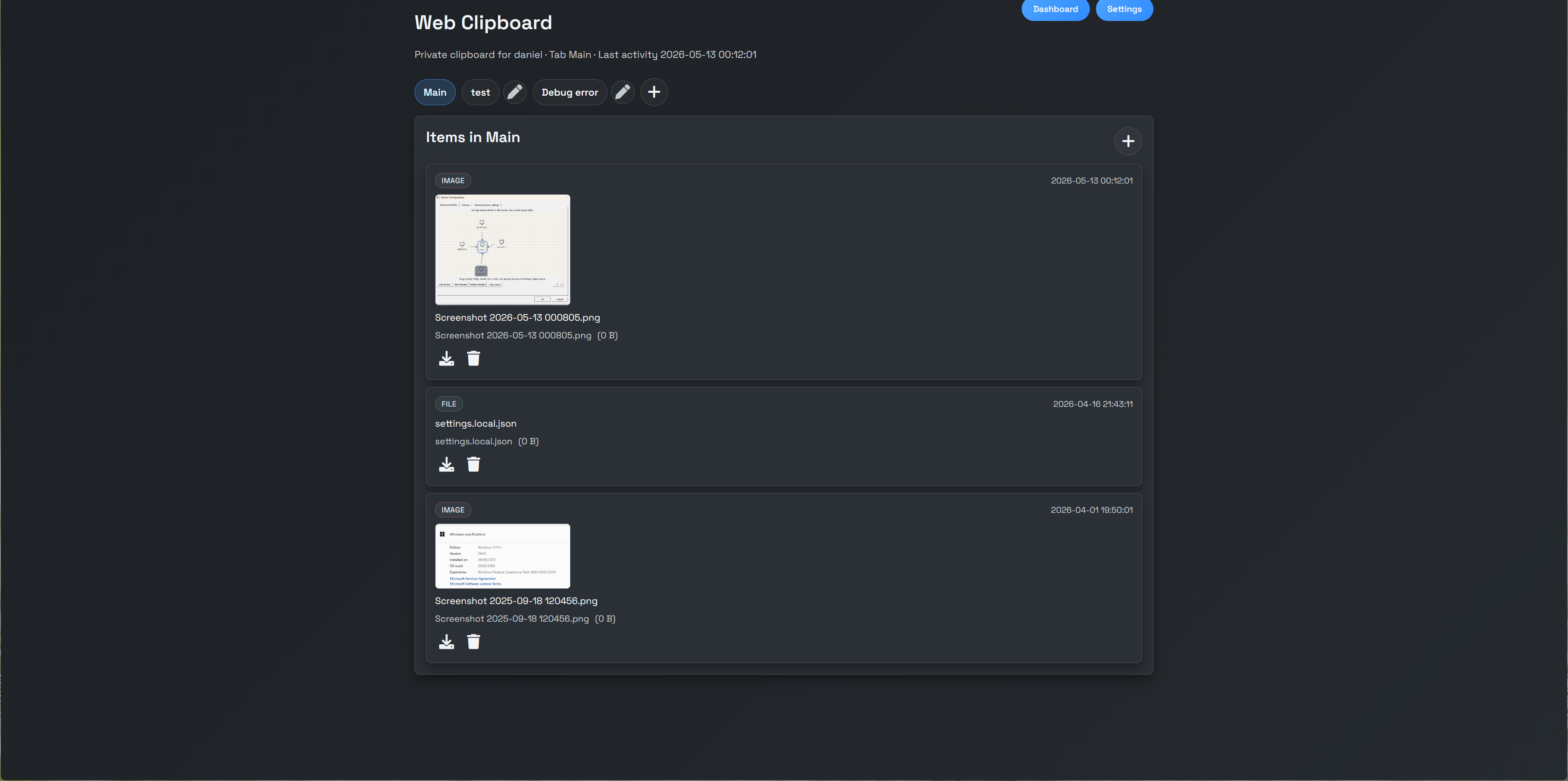
Copy once.
Paste anywhere.
EtherWaver Clipboard is a universal shared buffer that flows with your input focus. Copy on your desktop, paste on a remote machine — or inside VR. One clipboard, every device.
Capabilities
More than a clipboard — a shared memory
EtherWaver Clipboard keeps the complete context of your work available everywhere, always.
Universal buffer
Whatever you copy on any device is instantly available on all others — text, images, file paths, and rich content.
Full history
Access everything you've copied in this session. Browse, search, and retrieve any entry — not just the last one.
Any content type
Text, rich text, images, URLs, file references, and raw binary. Type is preserved and shown in the manager UI.
VR clipboard passthrough
When used alongside EtherWaver VR, clipboard content is available inside the headset — copy on desktop, paste in XR.
Focus-aware sync
Clipboard state follows your input focus automatically. No hotkey to manually push content between machines.
Privacy-first
All sync is LAN-only. No cloud relay, no third-party server ever touches your clipboard contents.
Every Device
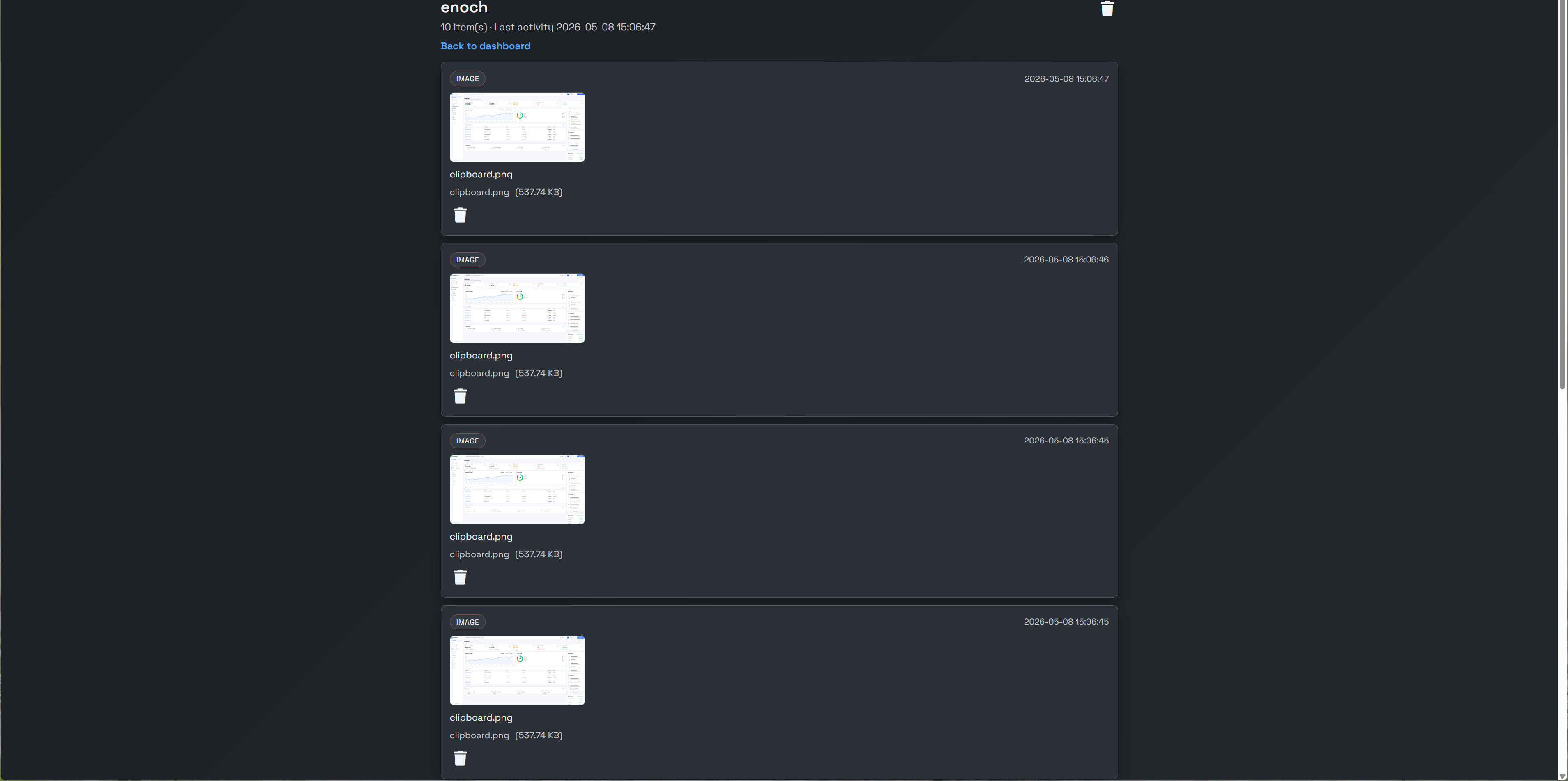
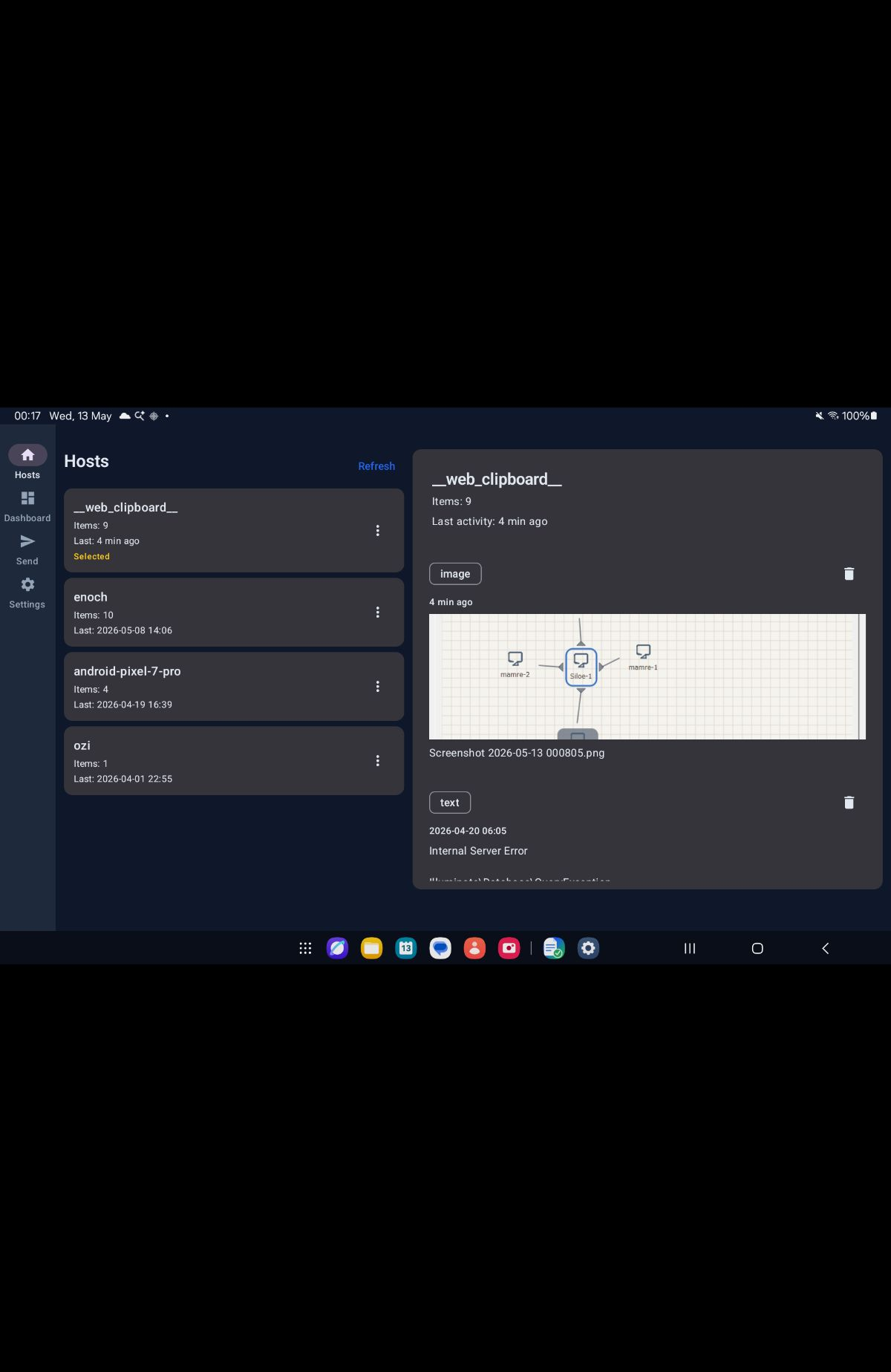
Web, desktop, and mobile — all synced
EtherWaver Clipboard works wherever you work. Web dashboard, Android app, and VR all share the same buffer.
How it flows
One action, everywhere
Clipboard state is broadcast to all active EtherWaver nodes the moment you copy. Zero configuration needed.
You copy anything on any device
Text, image, URL or file. Any ⌘C or Ctrl+C triggers the sync.
EtherWaver broadcasts to all nodes
The content is instantly pushed to every device in your EtherWaver session over LAN.
Paste anywhere — including VR
Ctrl+V or ⌘V on any machine works instantly. VR headset in the session? It's there too.
Supported Content Types
Every format, preserved
EtherWaver Clipboard identifies the type of content and preserves its structure across devices.