Your real keyboard,
in any reality.
EtherWaver VR bridges your physical input setup into virtual and mixed reality environments. Type, scroll and navigate with your actual keyboard — no hand tracking required.
Capabilities
Everything your physical desk has — inside XR
EtherWaver VR connects to your existing desktop session and extends it into virtual space.
Physical keyboard passthrough
Your real keyboard becomes available inside the headset. Every keystroke, modifier and shortcut — faithfully reproduced in VR.
Head-tracking aware layout
Virtual windows reposition themselves relative to your gaze. Your screen arrangement stays ergonomic as you move your head.
Quest 3 & PCVR support
Works with Meta Quest 3, Quest Pro, and any SteamVR-compatible headset. No sideloading or developer mode needed.
Virtual multi-monitor
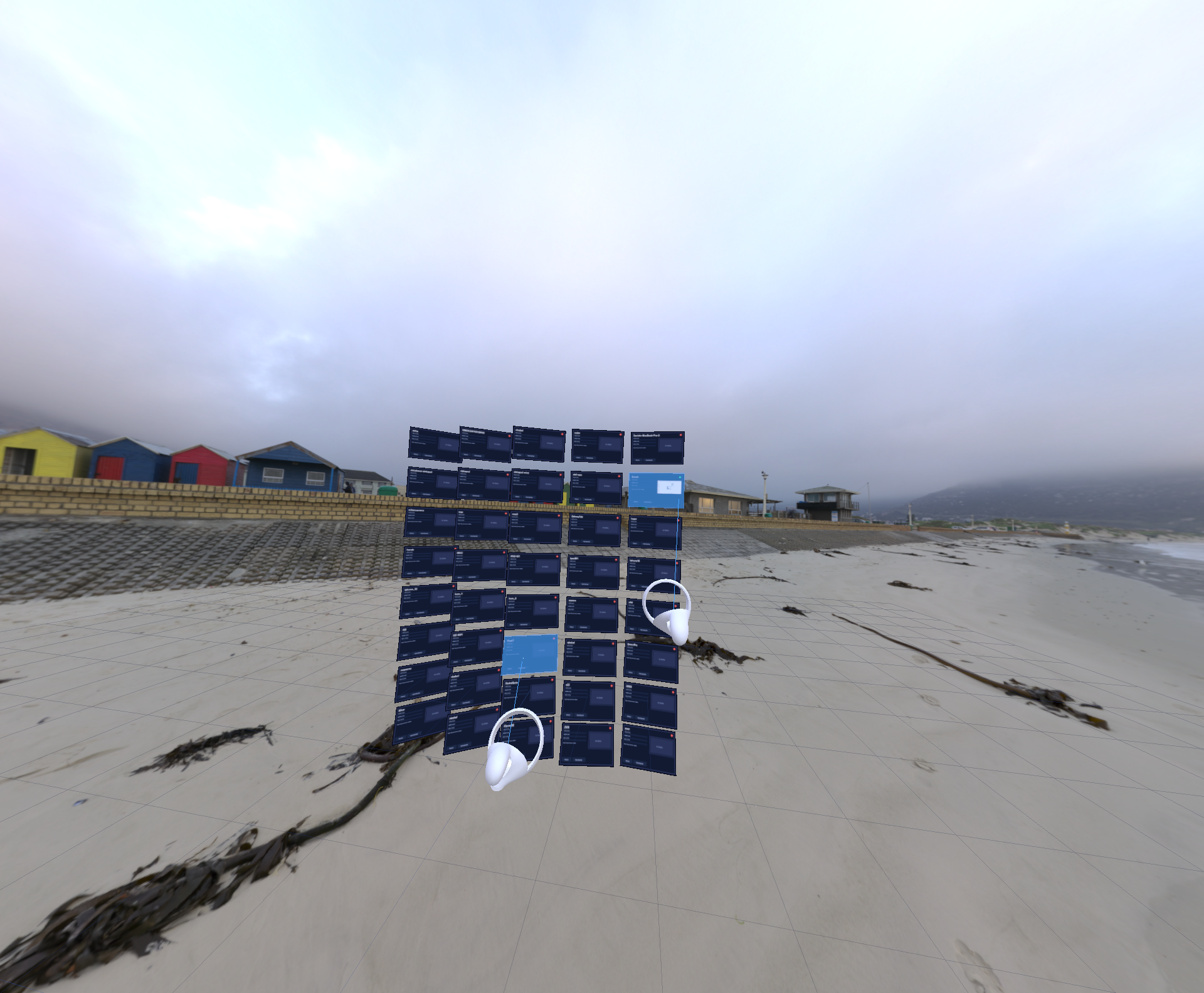
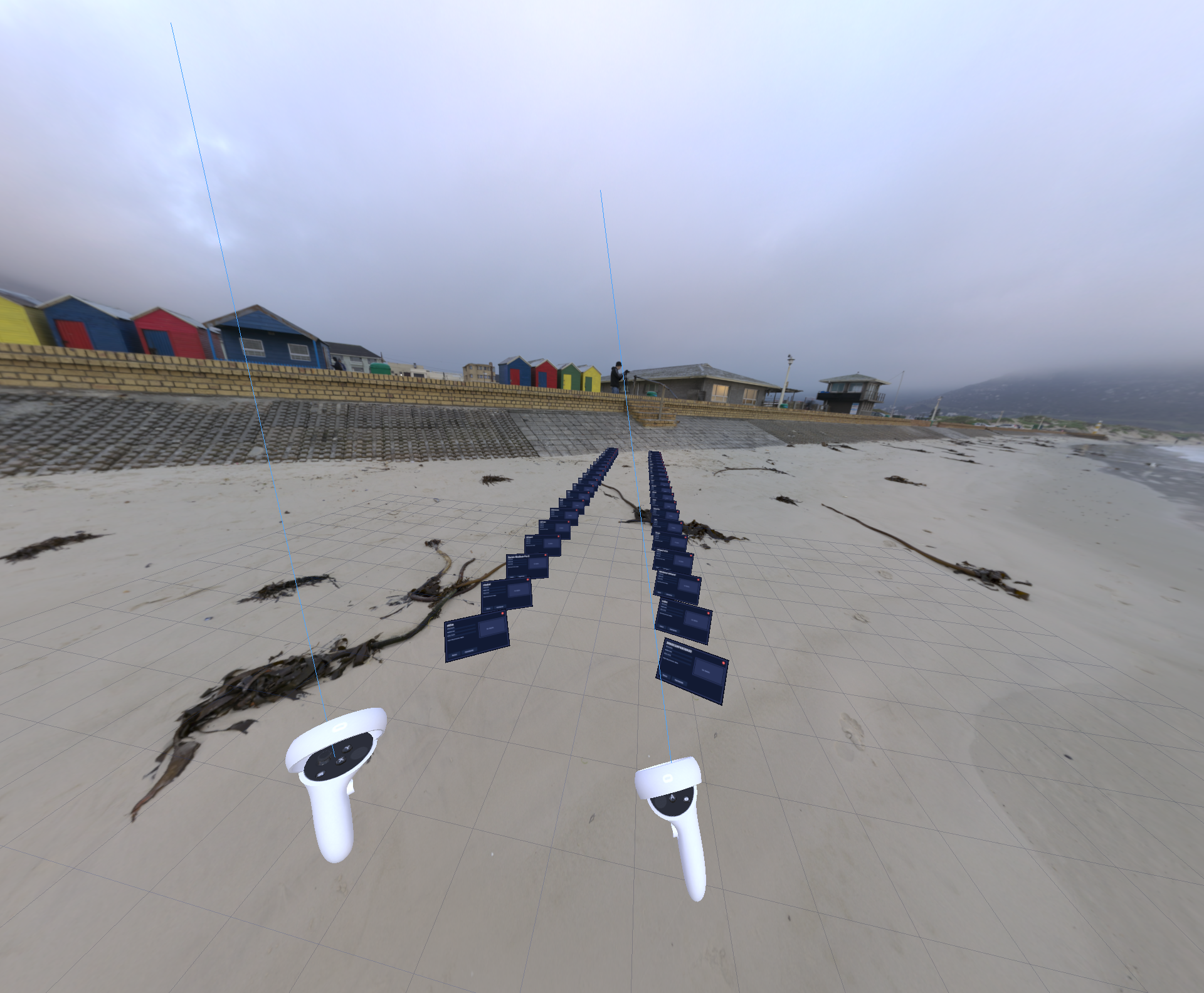
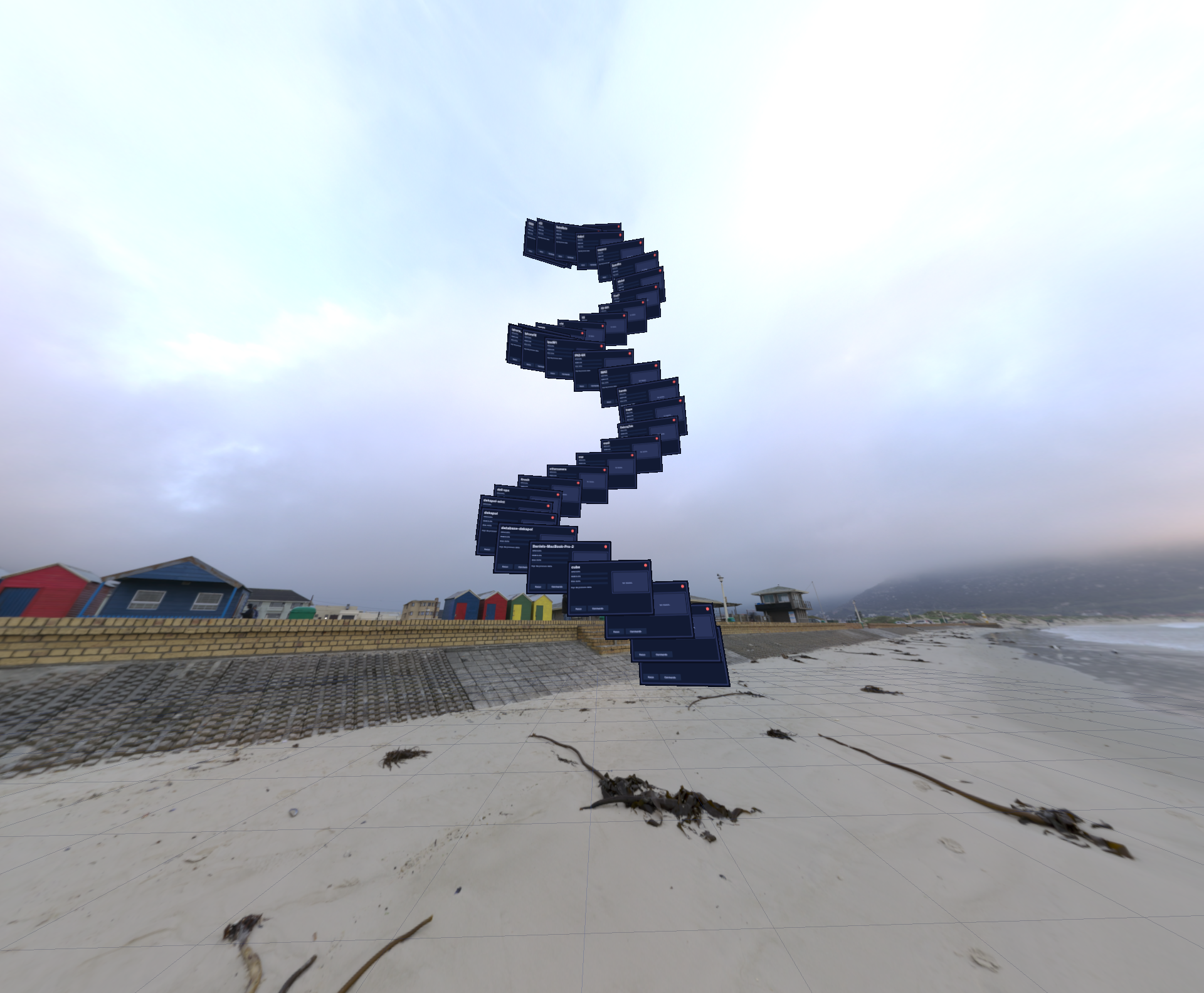
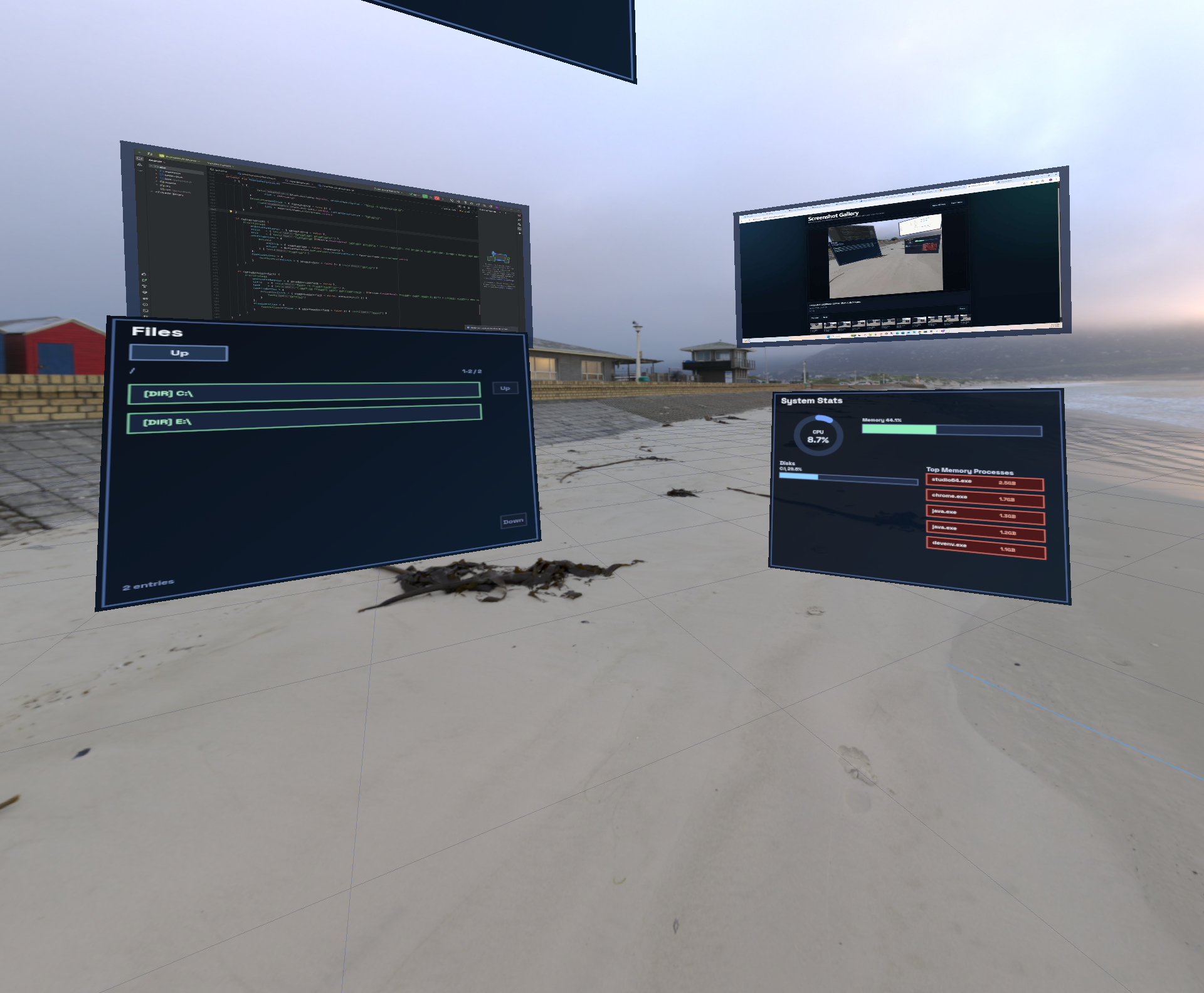
Place unlimited virtual displays in your XR space. Arrange them in any configuration — panoramic, stacked, or curved.
Shared clipboard in XR
Copy text or images on your desktop and paste them into VR applications. Clipboard state is always in sync across the session.
No latency overhead
Input routing over local network stays below 2 ms end-to-end. Typing in VR feels identical to typing at your desk.
How It Works
One protocol, two realities
EtherWaver VR is a module that plugs into your existing desktop session — not a separate system.
Desktop EtherWaver runs as server
Your main computer hosts the EtherWaver session. Your keyboard and mouse are physically connected here.
VR headset registers as a node
The EtherWaver VR app runs on the headset and joins the same local session as just another display node.
Input follows your gaze into XR
When you focus a virtual window, keyboard and clipboard state route directly to it — seamlessly across the physical/virtual boundary.
Switch back instantly
Remove the headset and control returns to your desktop monitors with zero reconfiguration.
"The missing piece for anyone doing serious work in a VR headset — your real keyboard, finally inside your virtual workspace."— Early access tester, developer workflow
Supported Headsets
Works with the hardware you have
From the Field
Real sessions, real environments
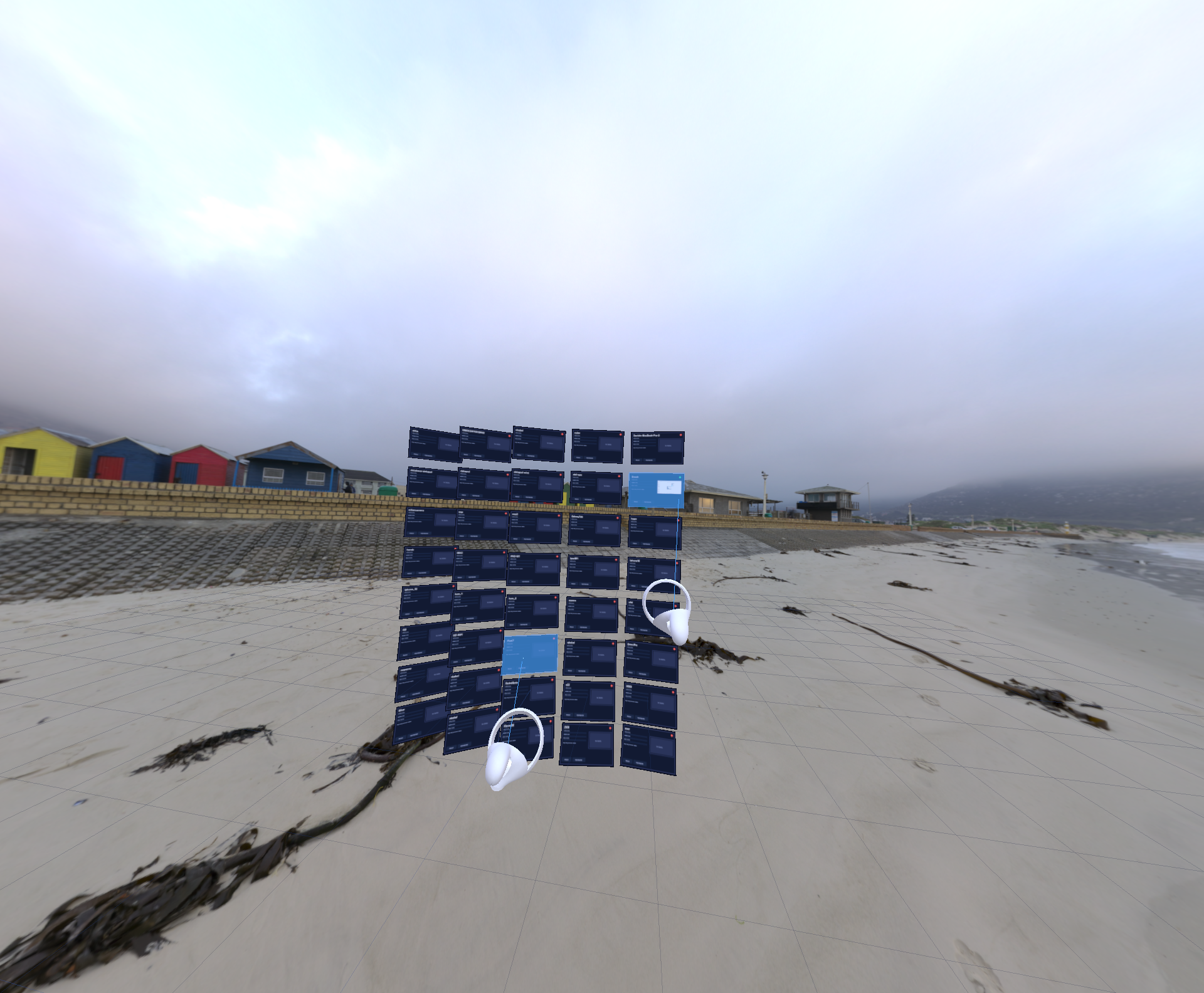
EtherWaver VR in the wild — virtual windows in outdoor and mixed-reality spaces.